
Blog
7 Things to Check Before Buying a Second-Hand Mobile Phone

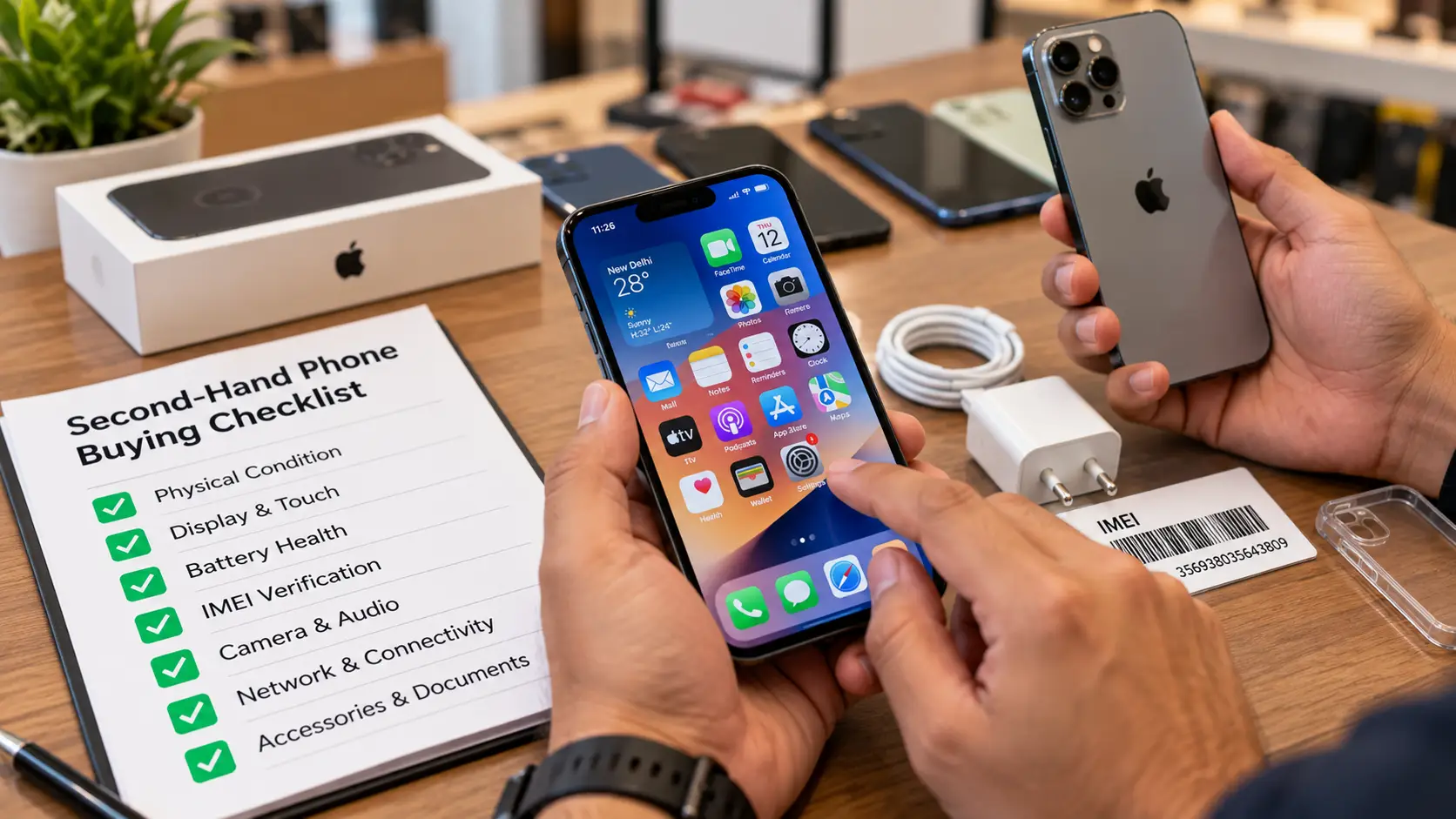
Buying a second-hand mobile phone can be a practical way to get a good smartphone at a reasonable price. However, checking the device carefully before purchasing is essential.
1. Check the Physical Condition
Inspect the screen, body, camera glass, charging port, and buttons. Look for visible damage, cracks, or signs of excessive wear.
2. Test the Display and Touchscreen
Check whether the touchscreen responds properly. Look for display issues such as unusual lines, spots, or flickering.
3. Check Battery Performance
Battery condition is important for a second-hand phone. Ask about battery health, charging performance, and whether the battery has been replaced.
4. Verify IMEI Details
Check the device’s IMEI number and ensure the phone is not reported as lost, stolen, or blocked. The IMEI details should match the device and available documentation.
5. Test the Camera and Speaker
Test the front and rear cameras, microphone, speakers, and vibration function to identify possible problems.
6. Check Network and Connectivity
Test the SIM card, calling, Wi-Fi, Bluetooth, and mobile data to ensure the phone works correctly.
7. Confirm Accessories and Documents
Check whether the phone comes with its charger, box, invoice, or other accessories, where applicable.
Conclusion: A careful inspection can help you make a more informed purchase. At Online Paisa, review the available product information before purchasing a second-hand mobile phone.