
Blog
How to Protect Your Personal Data Before Selling Your Phone

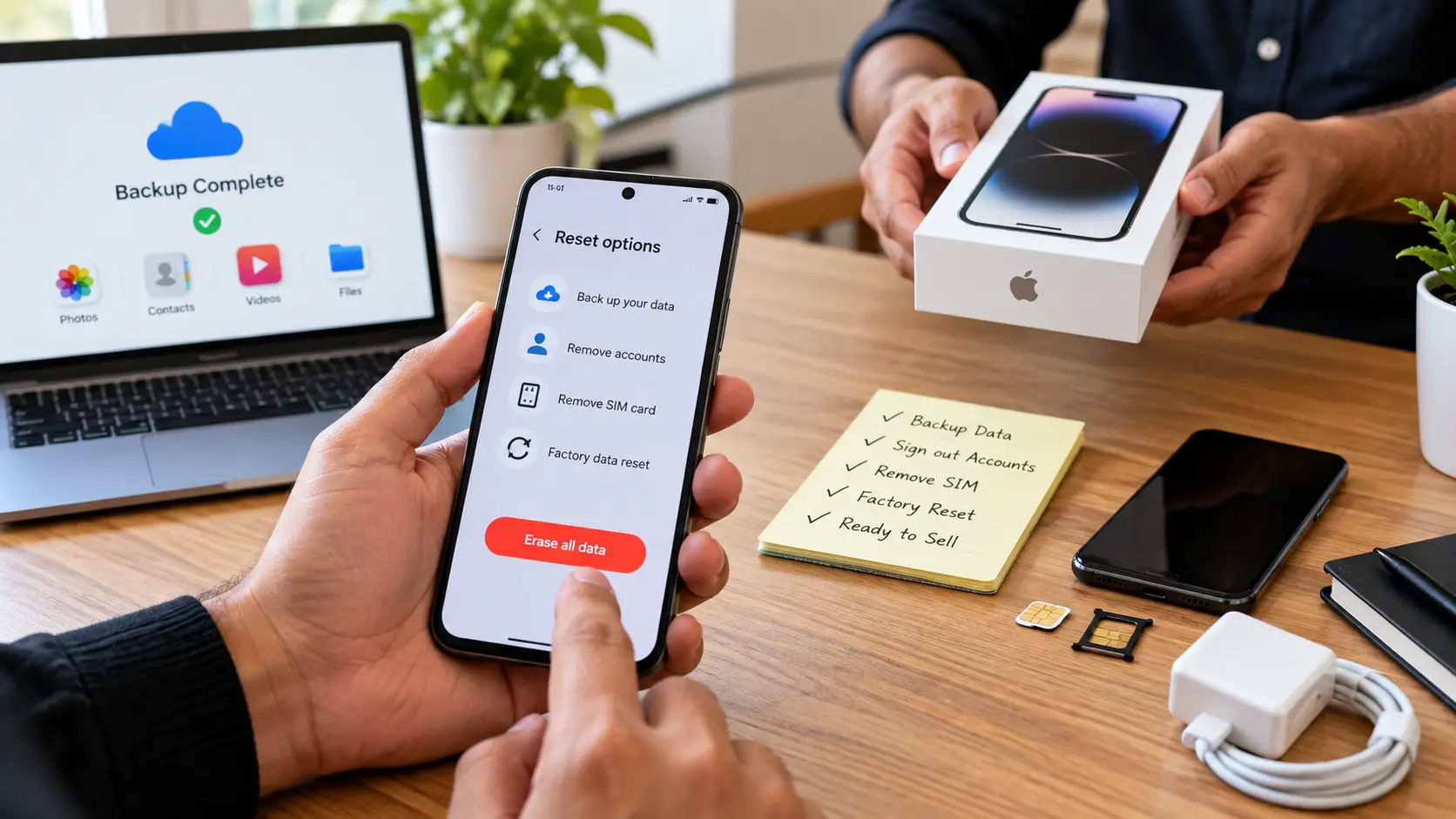
Before selling your old smartphone, protecting your personal information should be a priority. Mobile phones often contain private photos, contacts, messages, documents, and account details.
Follow these steps before handing over your device.
1. Back Up Your Important Data
Save your photos, contacts, videos, documents, and other important files to a secure location, such as a trusted cloud service or computer.
2. Sign Out of Your Accounts
Sign out of your Google account, Apple ID, email accounts, social media accounts, and other services connected to your device.
3. Remove Your SIM and Memory Card
Remove your SIM card and memory card before selling your phone. Check that no personal storage device remains inside the phone.
4. Disable Device Protection
Make sure screen locks, device tracking, and account-based activation locks are handled correctly before transferring ownership. For Apple devices, sign out of the Apple ID and disable Activation Lock. For Android devices, remove your Google account before resetting the phone.
5. Perform a Factory Reset
After backing up your data and removing your accounts, perform a factory reset using the phone’s settings. Follow the manufacturer’s instructions for your specific model.
6. Check the Device After Reset
Ensure that your personal data is no longer visible and that the phone displays the initial setup screen, where applicable.
7. Keep Relevant Sale Details
Retain your transaction information, inspection details, and any applicable documents for your records.
Conclusion: Taking a few precautions before selling your phone can help protect your privacy and make the ownership transfer easier. At Online Paisa, prepare your device carefully before beginning the selling process.